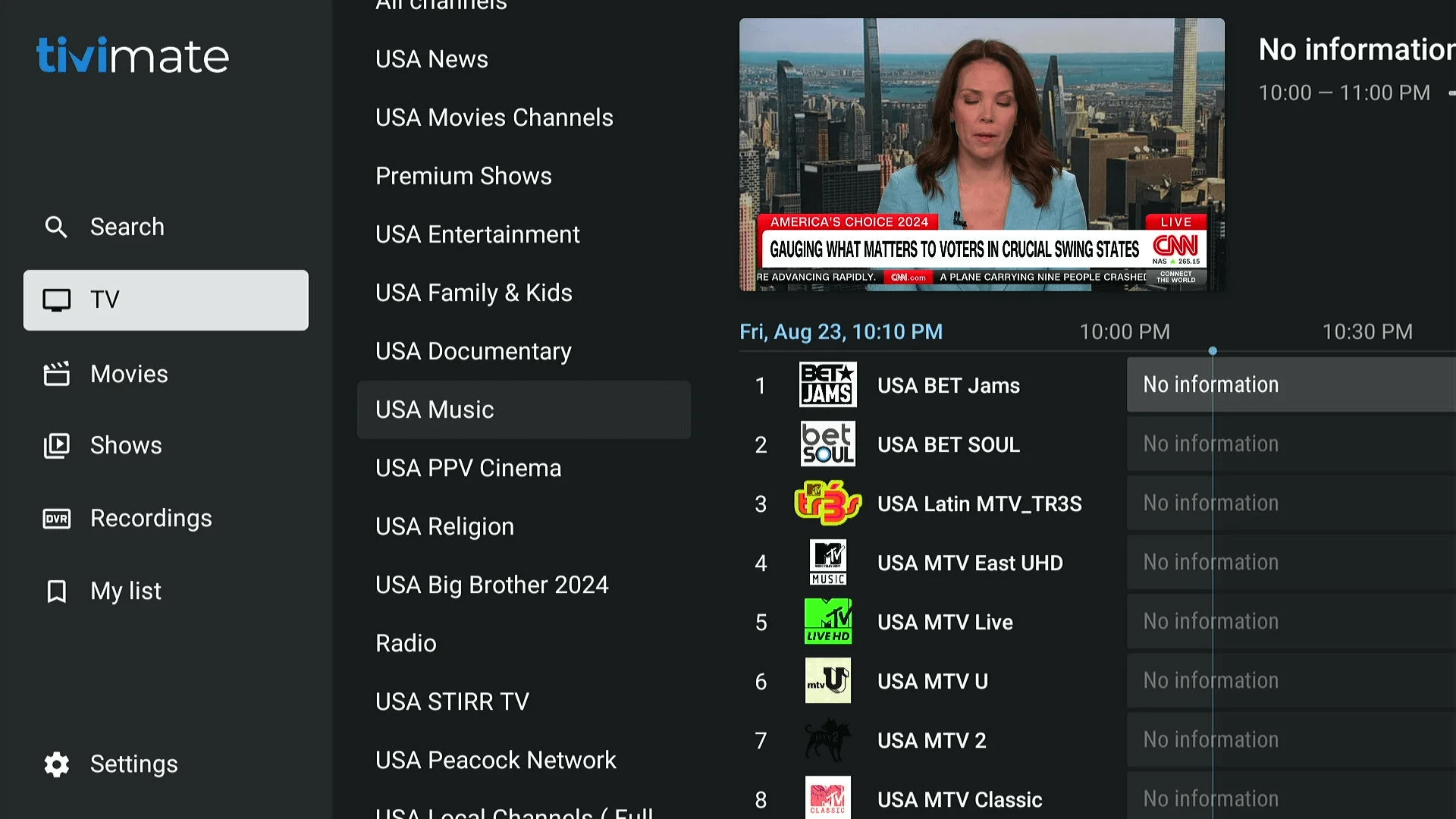
Step 1: Connect Your Account
Follow these steps to link your subscription to the player:
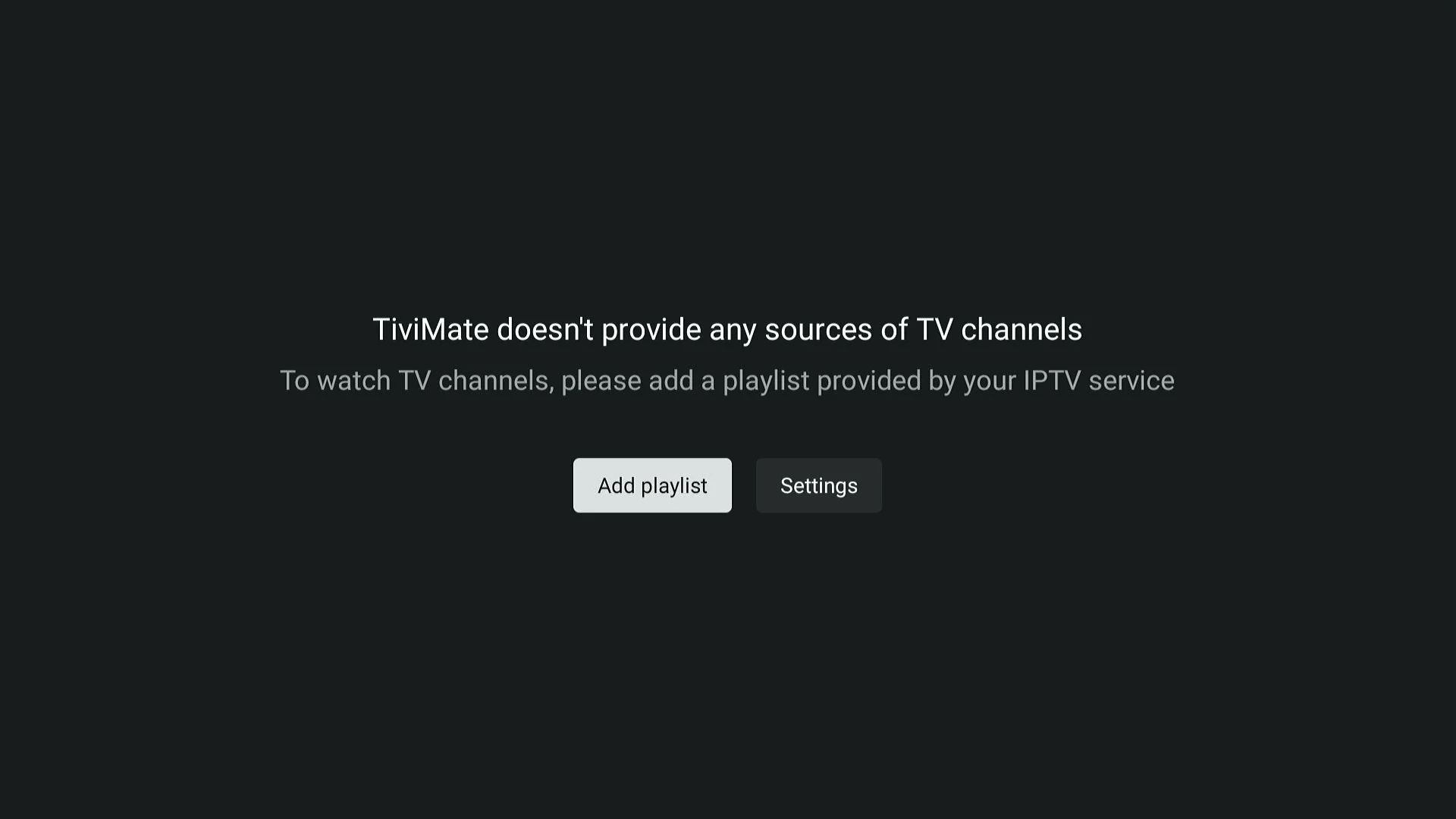
- Select Add Playlist from the main screen.
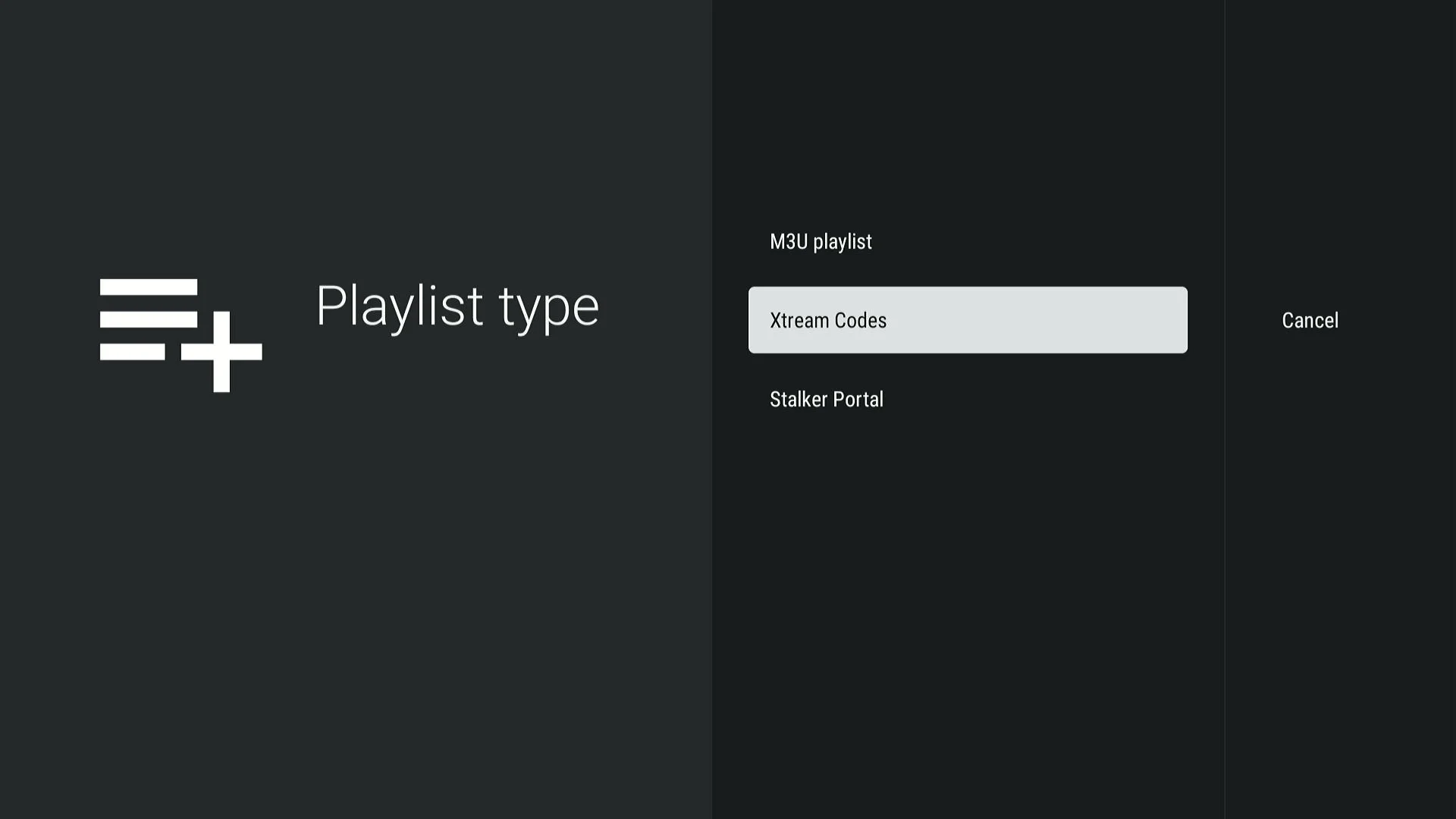
- Choose Xtream Codes / API Login
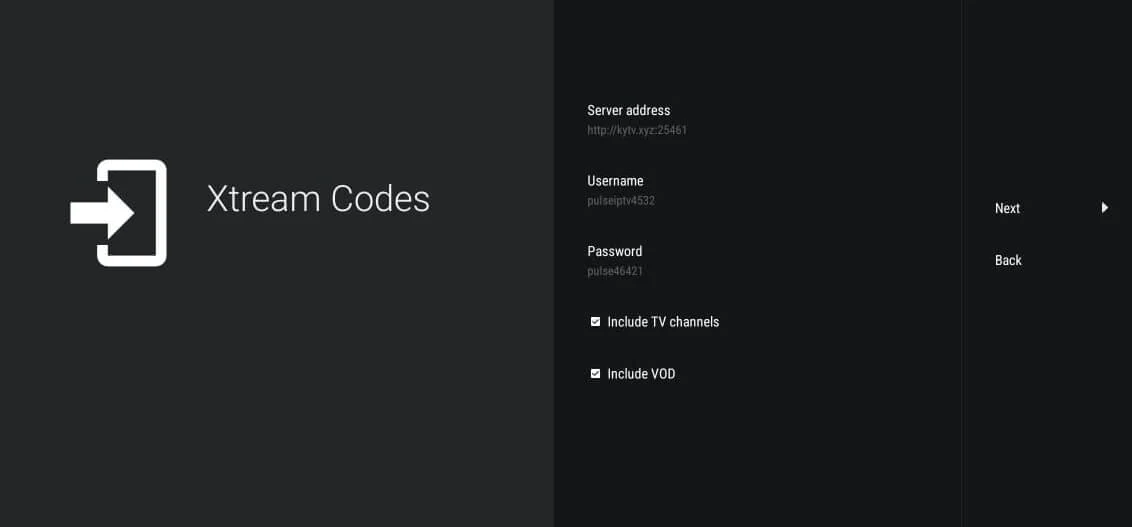
- Enter your Pulse TV credentials: Username, Password, and Server URL (check your welcome email).
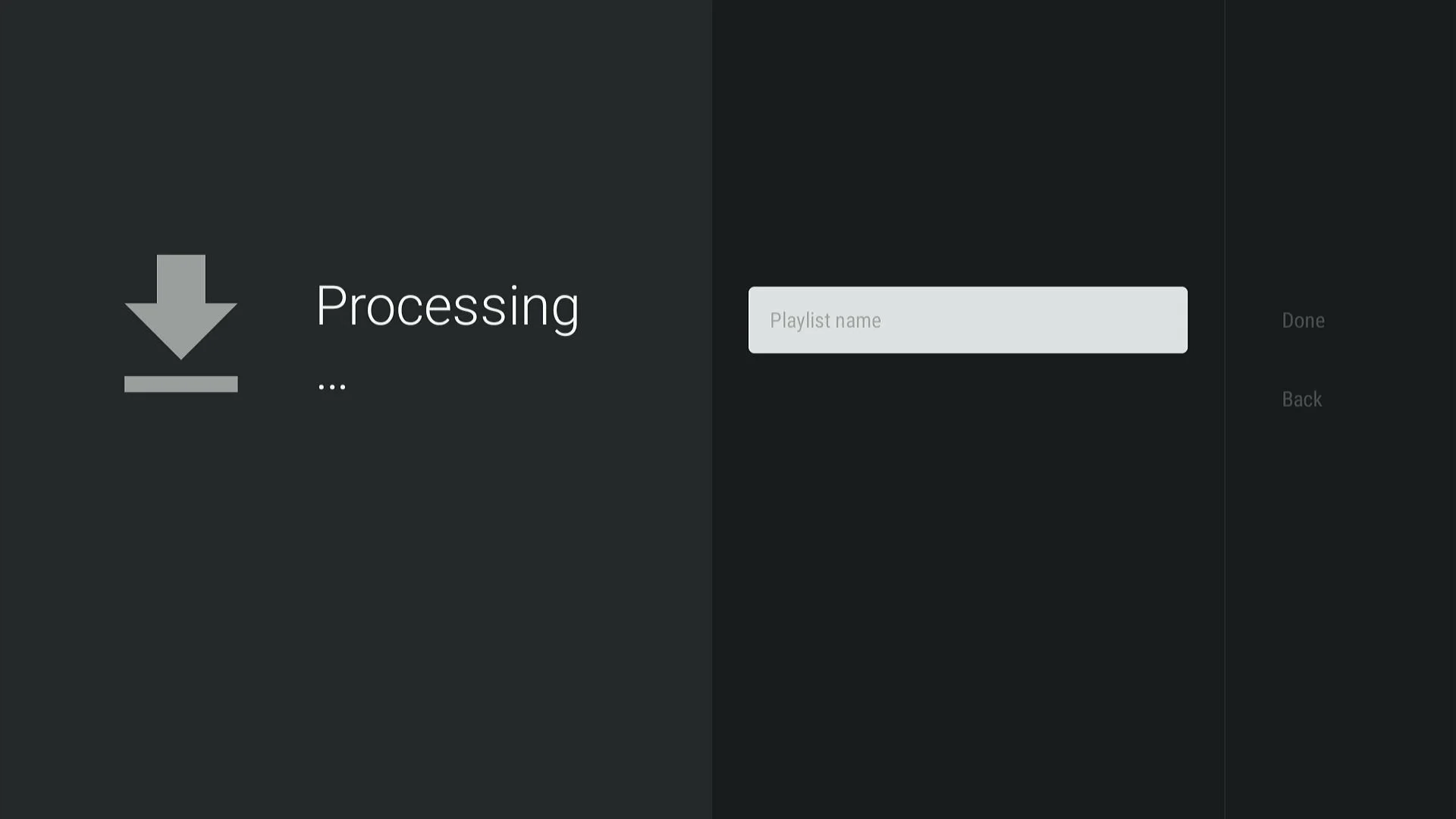
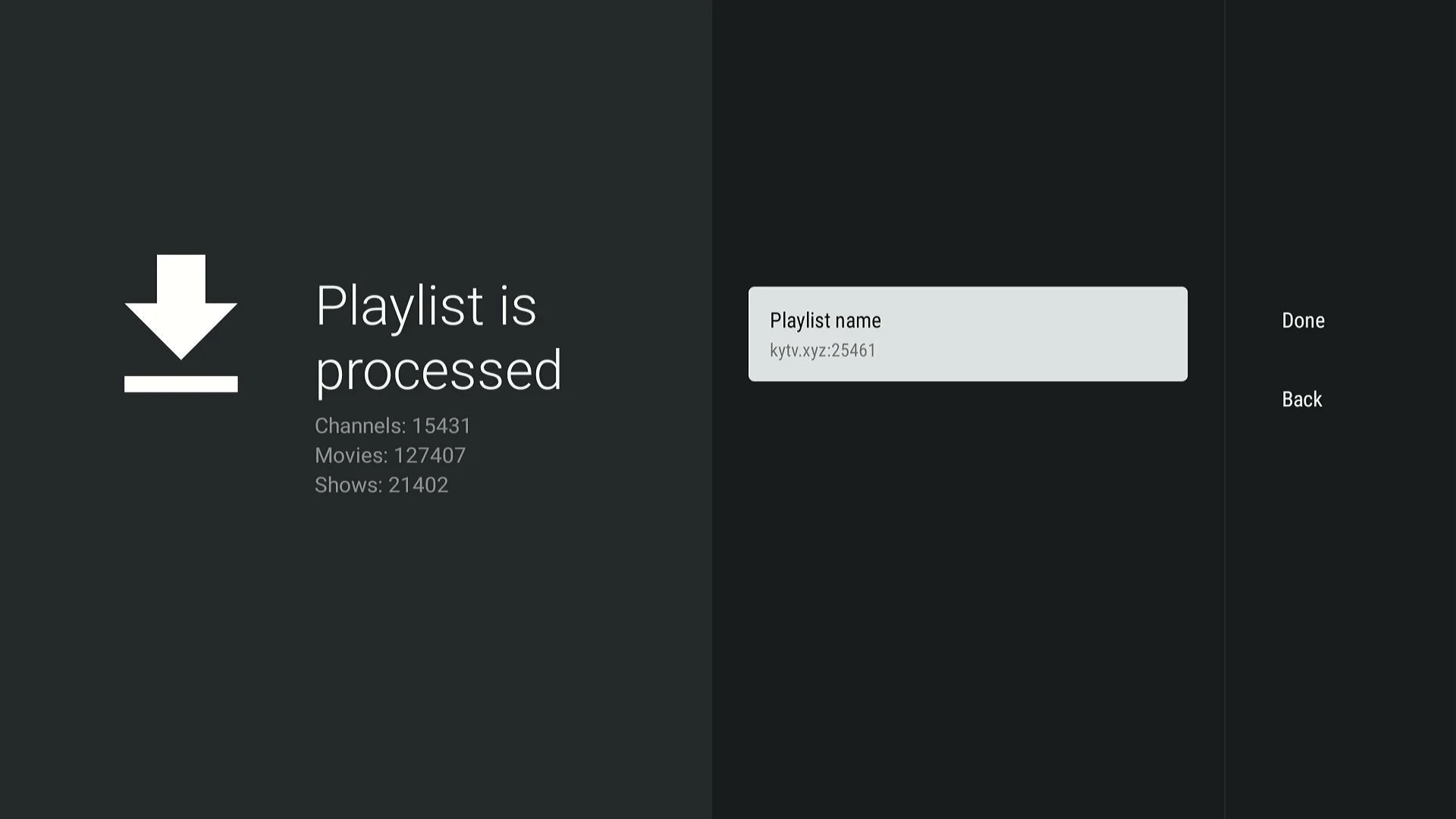
- Name your playlist (e.g., "Pulse TV").
- Click Next and wait for the content library to sync.
Help: Can’t find your credentials? Reach out to our support team for assistance.
Start Streaming!
Congratulations! Your player is now configured. Access global channels and movies instantly. Check our setup hub for more tips or explore available packages to upgrade your plan!